how to divide numbers in excel

How to Divide in Excel

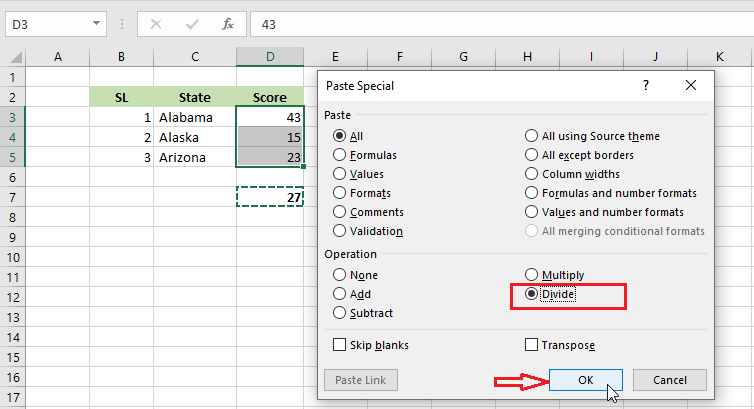
Divide in Excel Example-1 | Example-2 | Example-3 In Excel, you can divide a number by another by typing in a formula. Unfortunately, there is no built-in divide function in Excel. Below are a few examples of this operation. Example-1 1. Select cell F3. 2. Type in an equal sign (=) and then divide D3 […]

How to Divide in Excel Read More »
multiply in excel

How to Multiply in Excel

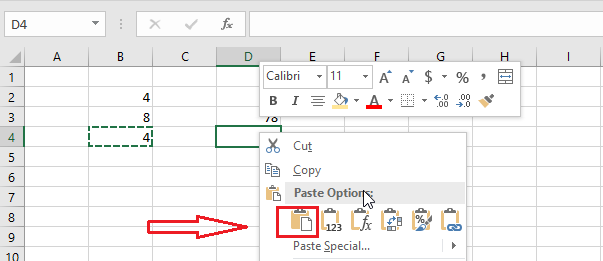
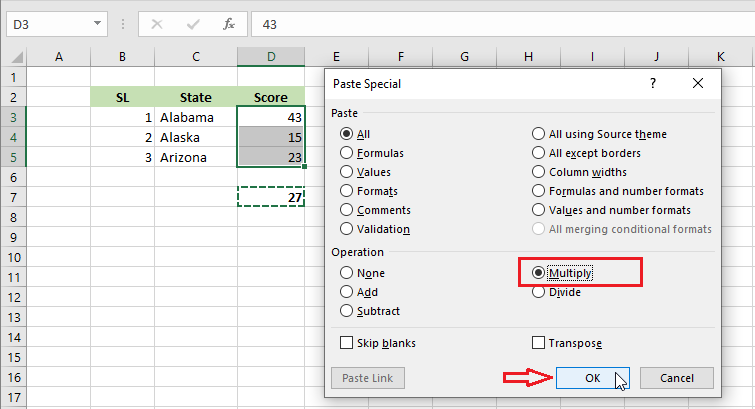
Multiply in Excel Example-1 | Example-2 | Example-3 In Excel, you can multiply two or more numbers by using a formula, function, or paste specials. Below are a few examples of this operation. Example-1 1. Select cell F3. 2. Type in equal sign (=) and then multiply D3 and E3. = E3*D3 Note: Similarly, you

How to Multiply in Excel Read More »

subtract in excel

How to Subtract in Excel

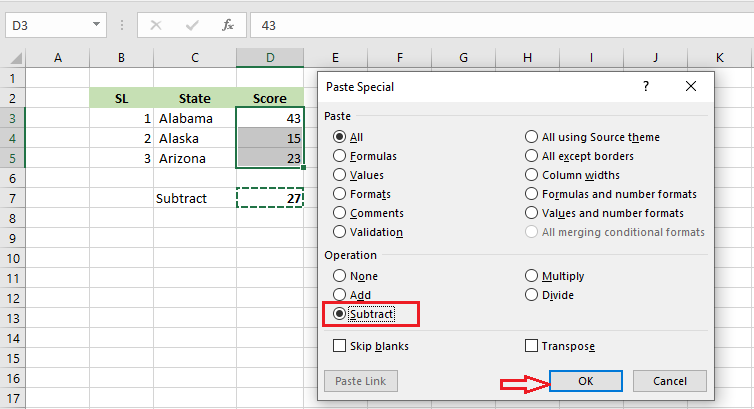
Subtract in Excel Example-1 | Example-2 | Example-3 In Excel, you can subtract a number from another by typing in a formula. Unfortunately, there is no built-in subtract function in Excel. Below are a few examples of how to subtract in Excel. Example-1 1. Select cell D6. 2. Type in equal sign (=) and then

How to Subtract in Excel Read More »

Most used functions in excel

Most Used Functions in Excel

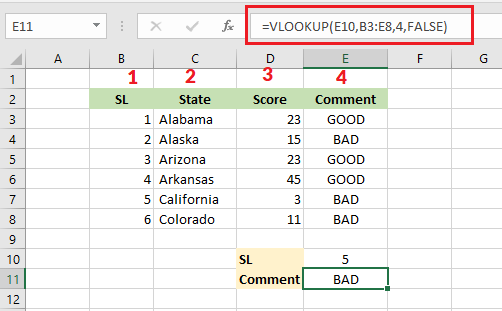
Most Used Functions in Excel Functions in Excel make your calculation a lot easier. In this lesson, we are going to show the ten most widely used functions in Excel- COUNT, SUM, AVERAGE, IF, COUNTIF, SUMIF, VLOOKUP, MIN, MAX, and SUMPRODUCT. 1. COUNT COUNT function in Excel counts the number of cells containing numeric values.

Most Used Functions in Excel Read More »

merge cells in excel

How to Merge Cells in Excel

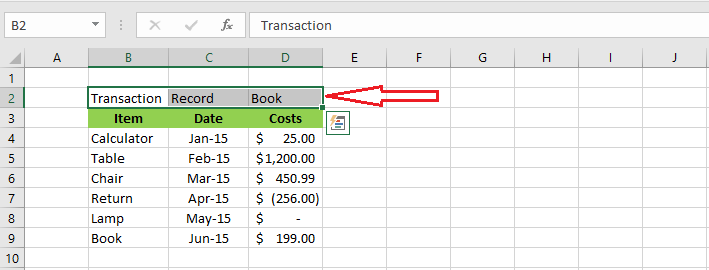
Merge Cells in Excel If you like to put a label representing more than one cell, you need to merge multiple cells into one. By default, Excel will keep the information of the first cell and the rest of the cells’ information gets deleted. To merge cells, follow the steps below. In the table below,

How to Merge Cells in Excel Read More »

wrap text in excel

How to Wrap Text in Excel

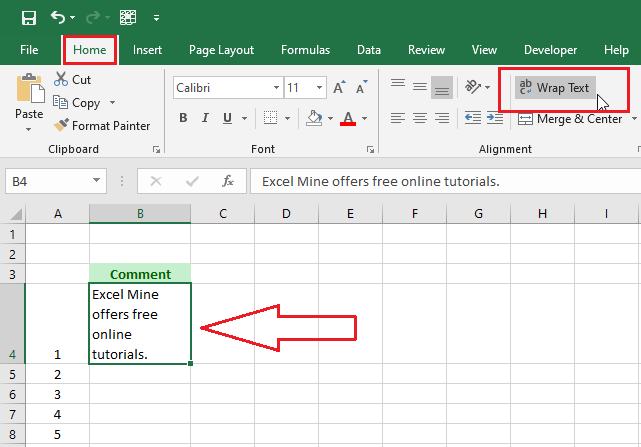
Wrap Text in Excel Using Line Break Wrap text in Excel is a useful command to display long text in a single cell. In this lesson, we will show two ways to wrap text – automatic wrapping and using a line break. Wrap Text Automatically 1. Select cell B4. 2. Click “Wrap Text” on the

How to Wrap Text in Excel Read More »