Formula-function-basics

paste options in excel

Paste Options in Excel

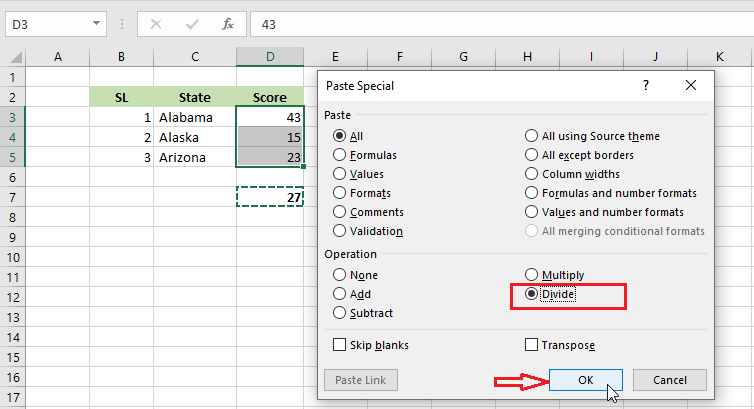
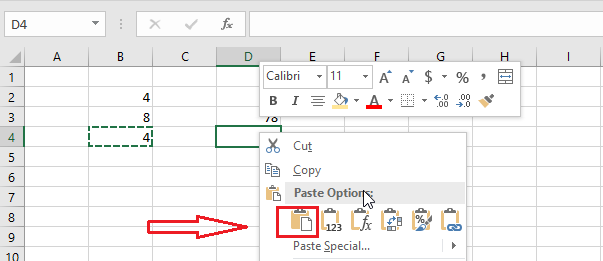
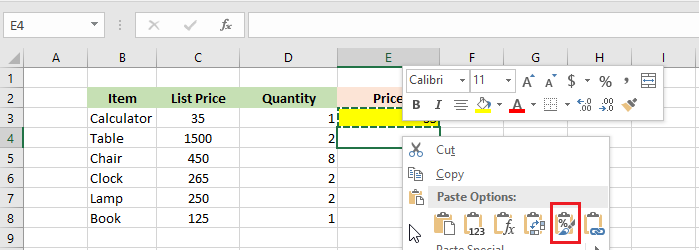
Paste Options in Excel Excel paste options are an easy way to copy a formula, values, or formating from one cell to another. Below we will explain each of the items with examples. Values | Formulas | Formatting | Paste Special Paste This option in Excel copies everything from one cell to another. 1. Select […]

Paste Options in Excel Read More »
how to divide numbers in excel

How to Divide in Excel

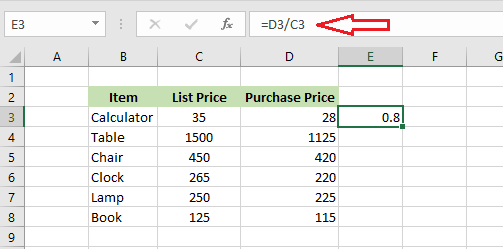
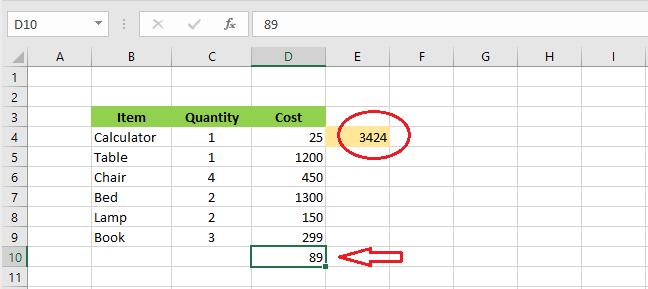
Divide in Excel Example-1 | Example-2 | Example-3 In Excel, you can divide a number by another by typing in a formula. Unfortunately, there is no built-in divide function in Excel. Below are a few examples of this operation. Example-1 1. Select cell F3. 2. Type in an equal sign (=) and then divide D3

How to Divide in Excel Read More »

multiply in excel

How to Multiply in Excel

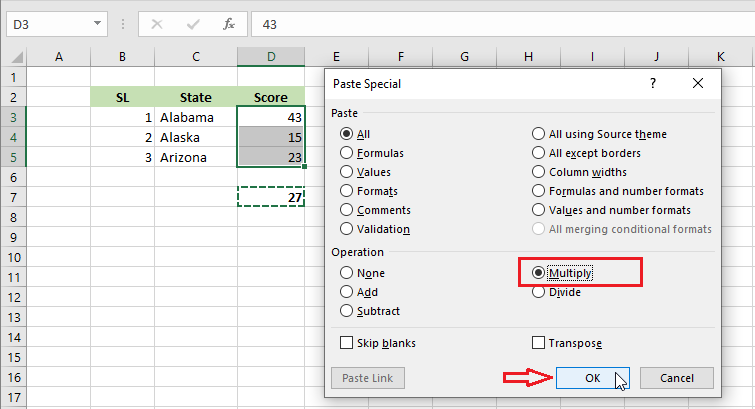
Multiply in Excel Example-1 | Example-2 | Example-3 In Excel, you can multiply two or more numbers by using a formula, function, or paste specials. Below are a few examples of this operation. Example-1 1. Select cell F3. 2. Type in equal sign (=) and then multiply D3 and E3. = E3*D3 Note: Similarly, you

How to Multiply in Excel Read More »

subtract in excel

How to Subtract in Excel

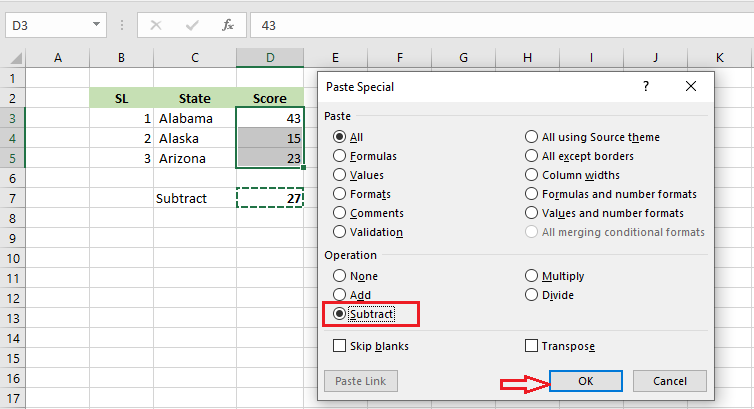
Subtract in Excel Example-1 | Example-2 | Example-3 In Excel, you can subtract a number from another by typing in a formula. Unfortunately, there is no built-in subtract function in Excel. Below are a few examples of how to subtract in Excel. Example-1 1. Select cell D6. 2. Type in equal sign (=) and then

How to Subtract in Excel Read More »

Most used functions in excel

Most Used Functions in Excel

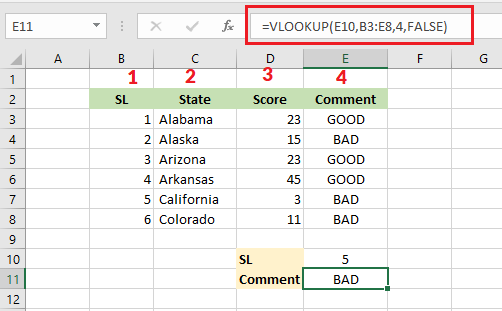
Most Used Functions in Excel Functions in Excel make your calculation a lot easier. In this lesson, we are going to show the ten most widely used functions in Excel- COUNT, SUM, AVERAGE, IF, COUNTIF, SUMIF, VLOOKUP, MIN, MAX, and SUMPRODUCT. 1. COUNT COUNT function in Excel counts the number of cells containing numeric values.

Most Used Functions in Excel Read More »