How to Save an Excel File as PDF
A PDF is the easiest way to share a sheet that others can read and print, but not change. Excel can save one directly.
-
Open the workbook.
-
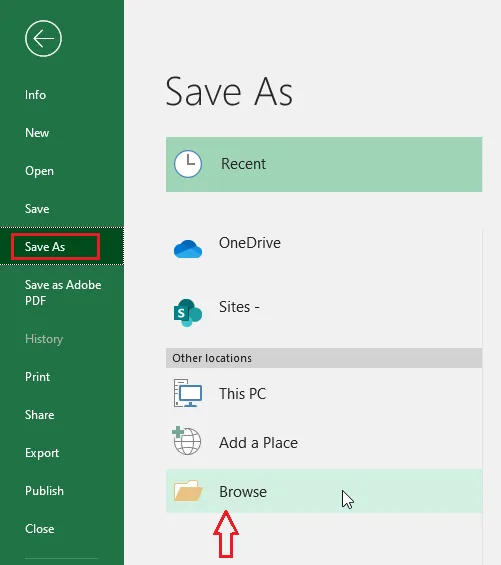
Click File > Save As > Browse.
-
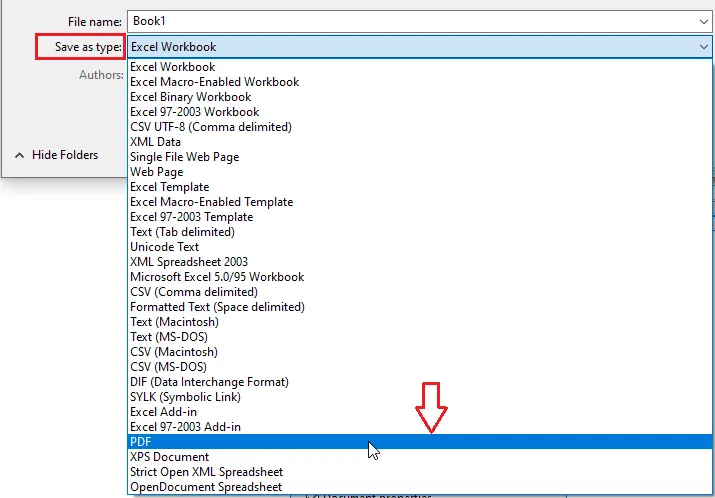
Under Save as type, choose PDF.
-
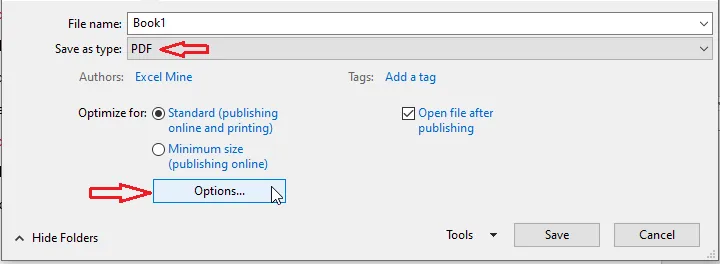
Click Options.
-
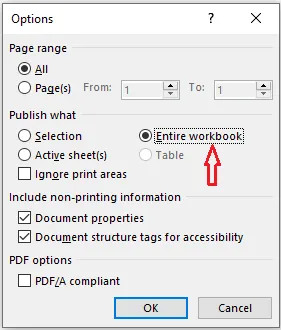
Choose what to include: Active sheet(s), Selection, or Entire workbook.
-
Click OK.
-
Choose a folder and click Save.
Tip: The PDF looks just like the print preview. Set the print area, orientation and scaling first so it looks right.
Using Microsoft 365? You can also click File > Export > Create PDF/XPS.